
Patient Check In
Overview
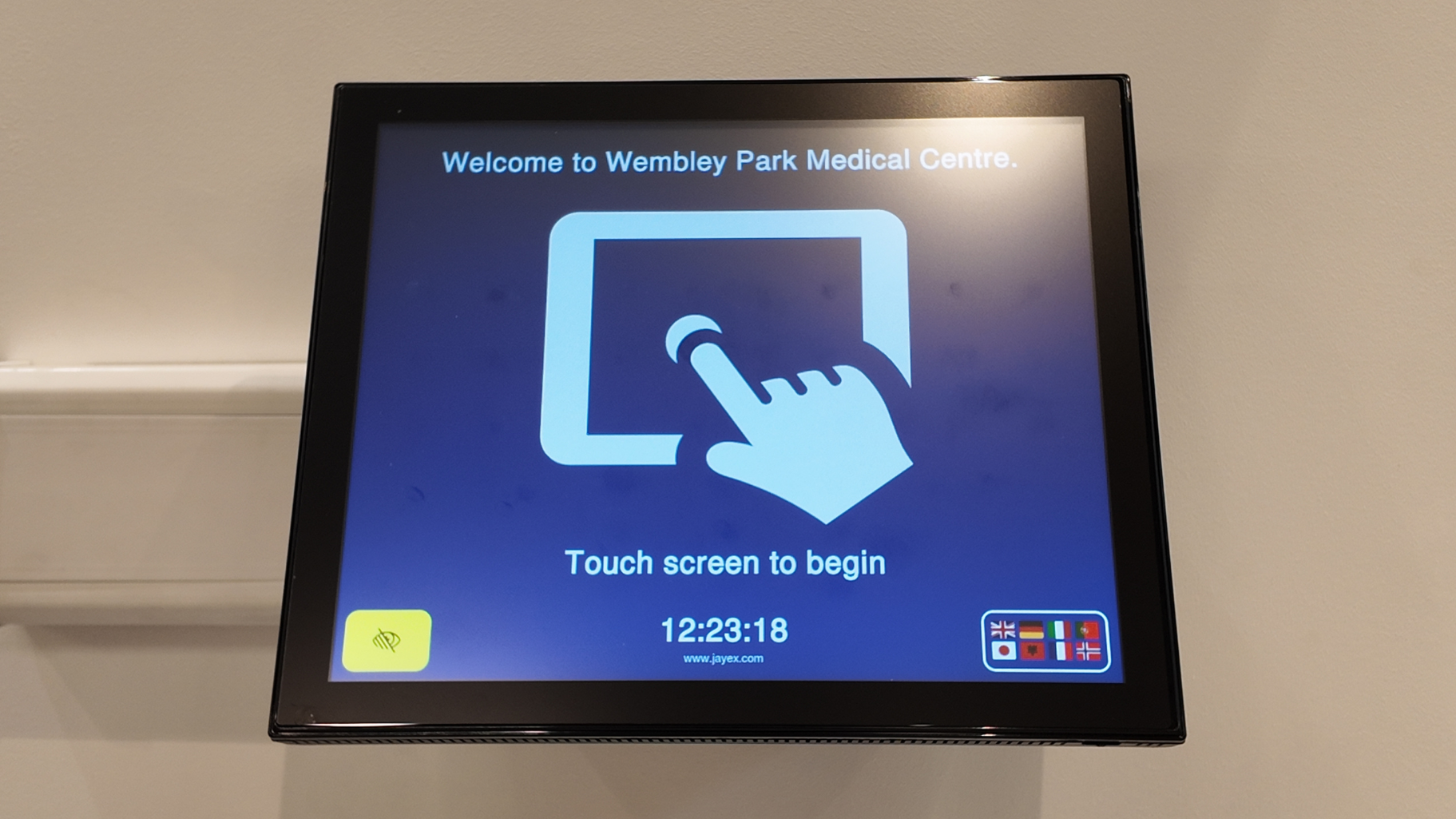
Patient Check In, also known as Patient Self Check In, can significantly reduce the workload for reception staff within practices, clinics and hospitals. By enabling patients to complete the check in process themselves, it can also avoid queues and thereby improve the patient experience.
As a digital contact point with patients, our Connect Check In solution also provides additional benefits through enhanced functionality, including wayfinding, messaging, questionnaires and digital forms.

Patients can check in using either a physical touchscreen or their own mobile device, using Mobile Check In.
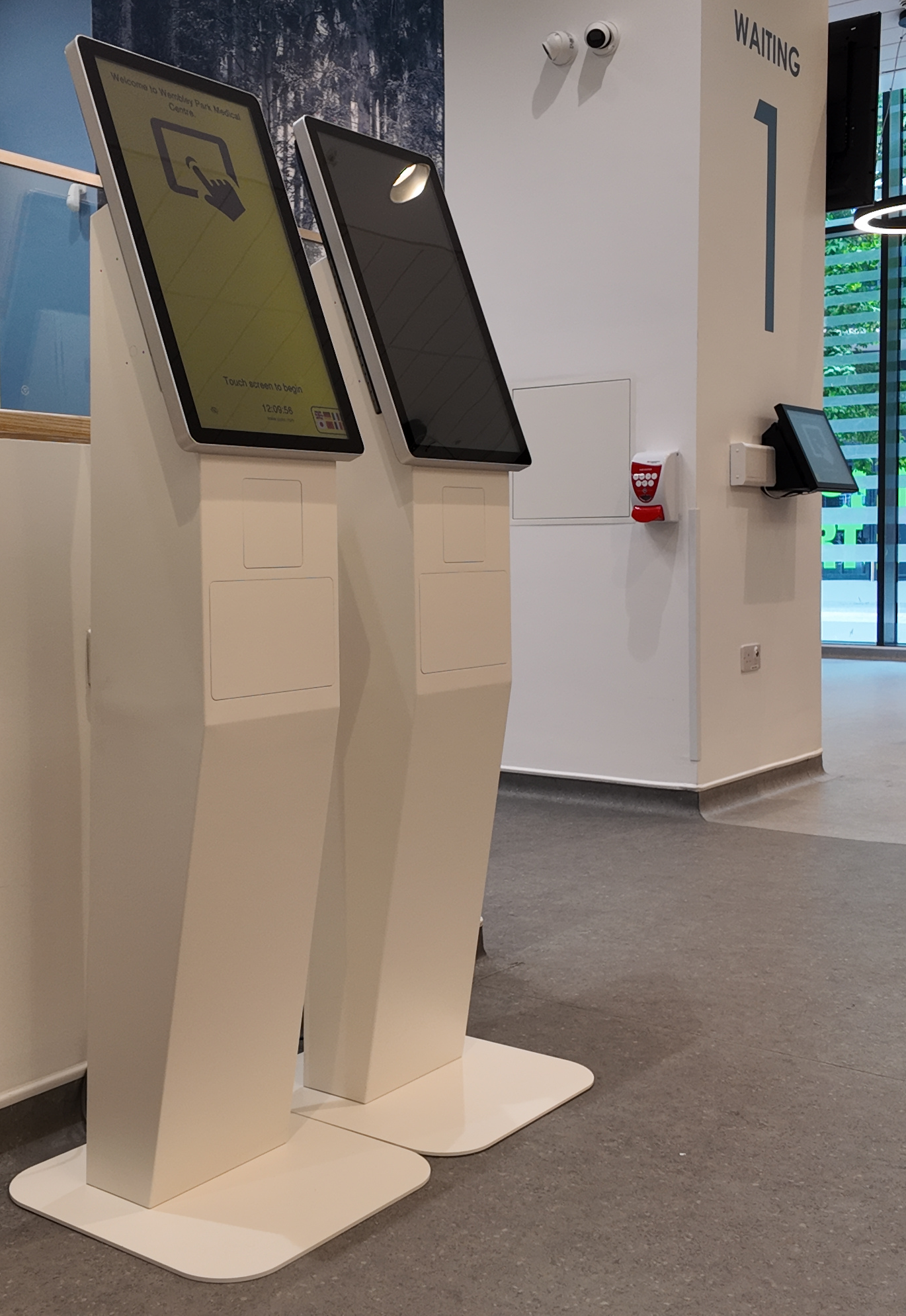
Jayex can supply wall- or desk-mounted touchscreens, as well as floor standing kiosks. We can help you decide on the optimum type and number of check in devices, based on factors such as the layout of your site entrances, patient throughput volumes and the number of different departments or clinics that need to utilise each check in screen.
For new installations, we offer a free site survey. As well as helping to ensure the optimum configuration and layout, the survey can help ensure that the installation goes smoothly. All hardware and software installation and commissioning is carried out by our engineers.
In order to maximise the usability of the Check In service to as diverse a population of patients as possible, our Connect Check In solution includes support for more than 40 different languages and a high-contract screen mode for visually impaired patients.
The floor standing kiosks are designed for wheelchair accessibility and our highly-experienced field engineers will ensure that desk- and wall mounted touchscreens are installed correctly, to ensure accessibility.
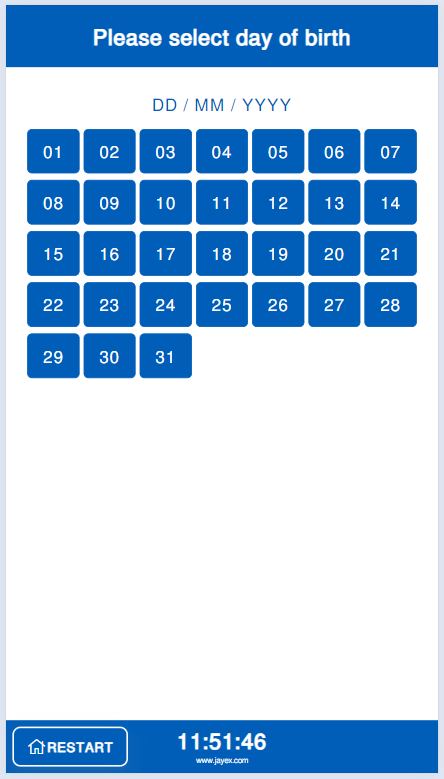
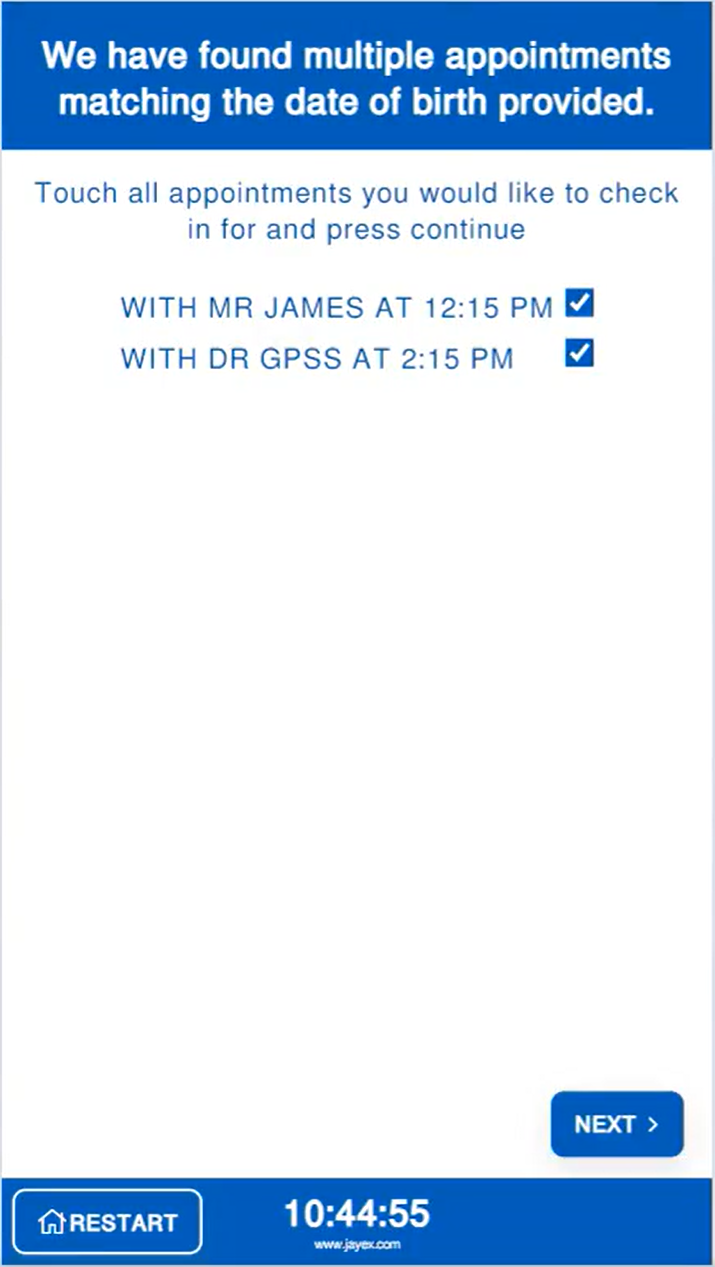
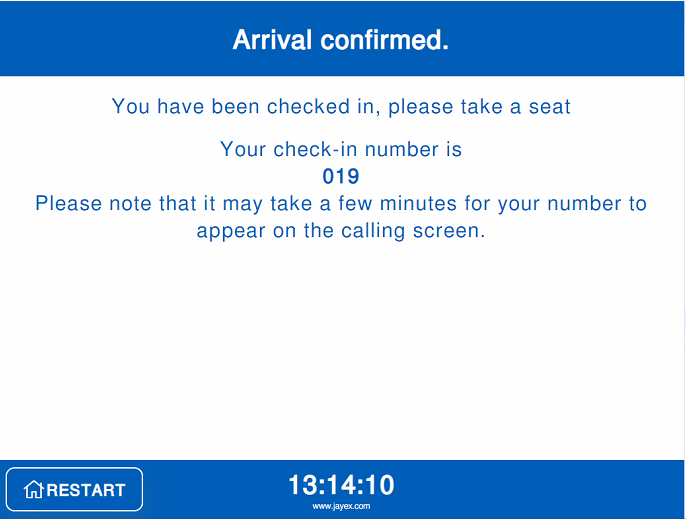
When patients use the check in process, they will be taken through a number of simple screens that will collect the necessary information to securely identify them.
If the patient is attending for a GP practice appointment or a clinic/hospital outpatient appointment, the collected patient information is matched to appointment data stored within our Connect system and the patient is successfully checked in.
Our Connect system uses 2 methods to obtain appointment data:
Integration with your Patient Record System or PAS - We integrate with EMIS, S1 and Vison as well as HL7-compatible EPRs, including Cerner, IMS Maxims and RIO. We extract appointment data from these systems via our integrations, which are also used to post back the patient arrival data.
Standalone Appointment Input - Our Connect system is unique in allowing manual entry of appointment data, either by keying in or by file ingest. This approach can be useful for clinics that use patient record systems that do not support patient self check in, or for walk-in clinics or departments.
If you are an EMIS-using GP practice that accepts remote bookings from other practices, for example to support out-of-hours clinics, your Check In solution will not directly support these appointments as this function is not supported by EMIS. Our standalone check in mode can be used to overcome this deficiency and avoid patients with these appointment types getting failed self check ins and tying up your reception staff.
Mobile Check In
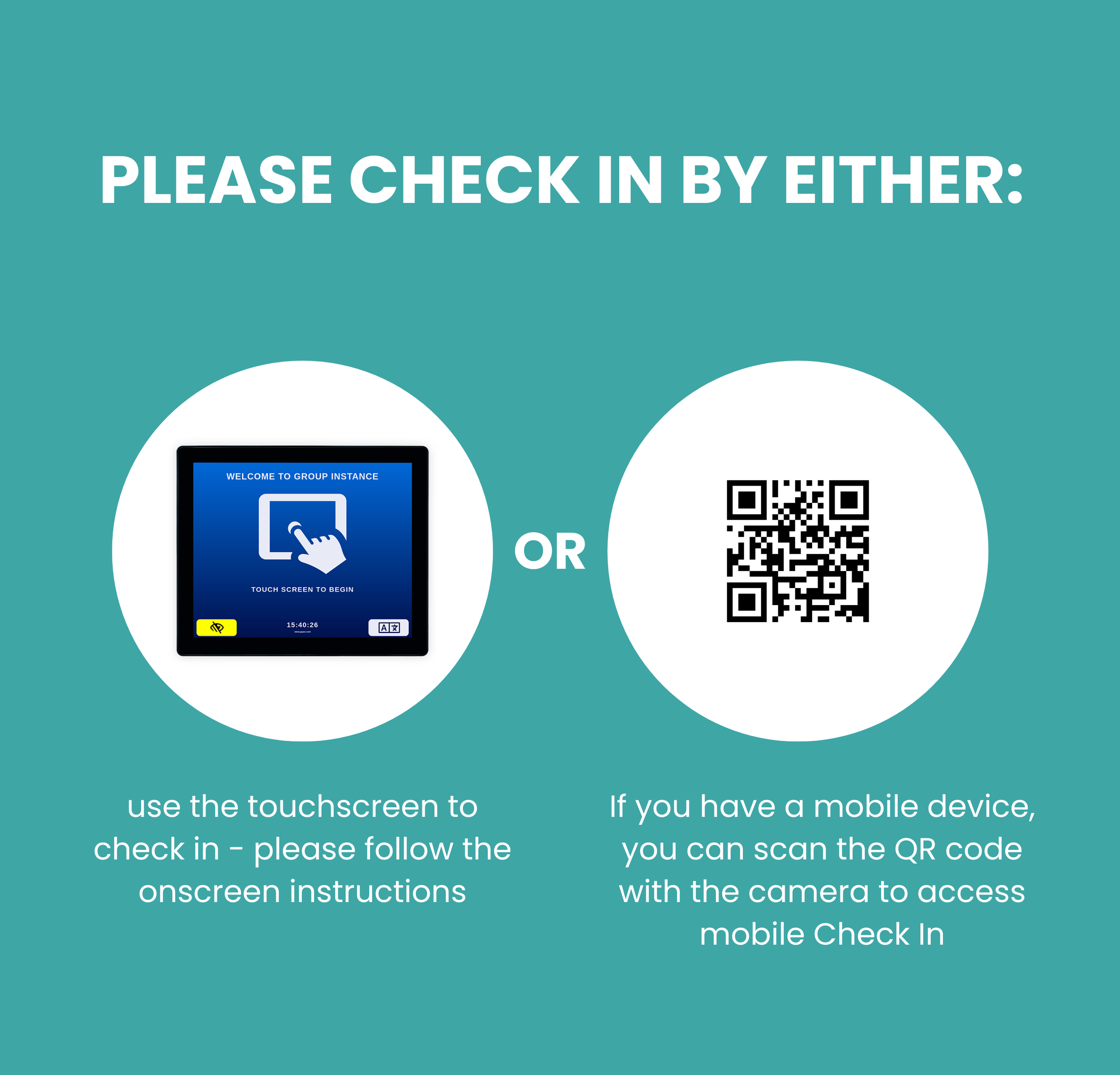
Patients are able to access the self check in process through their mobile device. The mobile check in process works exactly the same as the physical touchscreen process, and can help avoid queues at your Check In touchscreens.
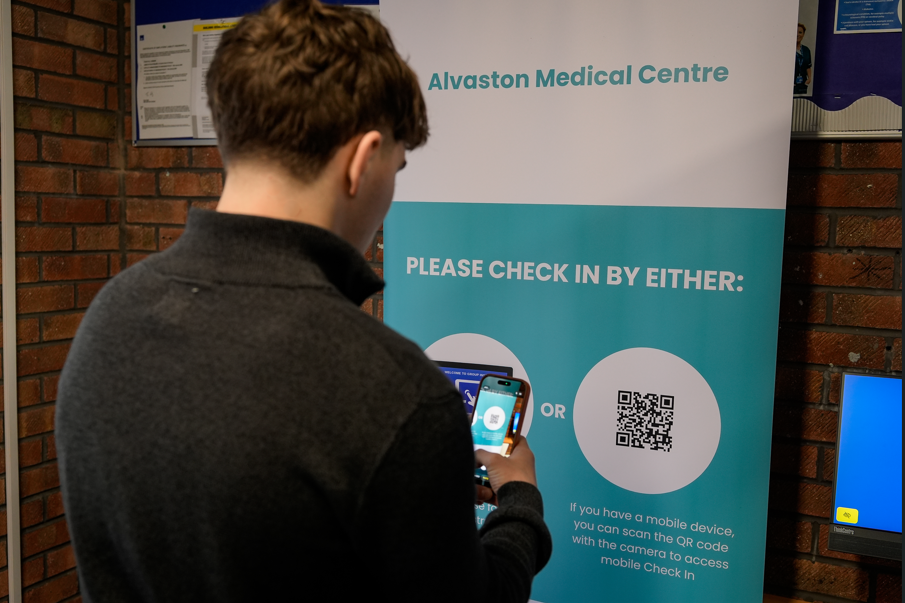
Patients can access Mobile Check In by scanning a QR code which is unique to your service. We supply a digital copy of a poster incorporating the QR code at no additional cost, you can print as many copies of this poster as required and put them up in your entrance area. We can also supply low-cost pop-up banners incorporating the QR Code.
Our Connect system uses the location of the patient’s mobile device to ensure that they have actually arrived when using Mobile Check In.
Please be aware, some competitors claim to offer mobile check in, however this requires patients to scan the QR code from the check in touchscreen itself. This does not provide any benefit if the touchscreen is busy and can be confusing for people who are trying to use the screen normally.
Pricing
Please contact our Sales Team to get a bespoke proposal matched to your exact requirements.
Pricing comprises hardware components and software subscriptions/licences. You software subscription/licence will include support, maintenance and ongoing product upgrades. Active monitoring of the estate, including patching and updates of the hardware components, is also included at no additional charge.
All new installs benefit from an enhanced warranty for the touchscreens and PCs. The enhanced warranty covers remote and onsite support as required, as well as new-for-old replacement of hardware. In the event that a hardware component under warranty fails, we will manage the replacement including sourcing a replacement, installation and commissioning and disposal of the faulty unit. Extension of the enhanced warranty beyond the standard duration may be subject to additional cost.
If you are a GP practice, the factors determining price will include the quantity and type of touchscreen selected. If you already have a current Connect Patient Calling subscription, you will benefit from a reduced price for your Connect Patient Check In subscription. Our standard model is based on the outright purchase of the hardware components, together with an annual recurring software subscription, however we can also provide a lease option, if you would prefer to spread payments over time.
If you are a large acute or community hospital, your software cost will be determined by the number of departments/services that are using the Check In devices. Please note, multiple services can share the same Check In hardware, even if those services are using different patient record systems.
If you are a PCN, federation or ICB, we offer an Enterprise licence model - in addition to bulk pricing, the Enterprise Licence grants usage of additional functionality, including federated check in across your practices. The Enterprise Licence also includes enhanced service and performance reporting across the estate.
Mobile Check In is included with all Connect Patient Check In subscriptions and licences.