Article
September 2026 Jayex Newsletter - Make the Most of Your System
In this month’s newsletter, we’ll be exploring more ways to get the best out of your Jayex services. We’ll be highlighting useful areas of the Jayex Portal, features you may not yet be aware of, and the tools and resources available to help your practice get even more from your system.
8 October 2026 · Mhairi Gifillan
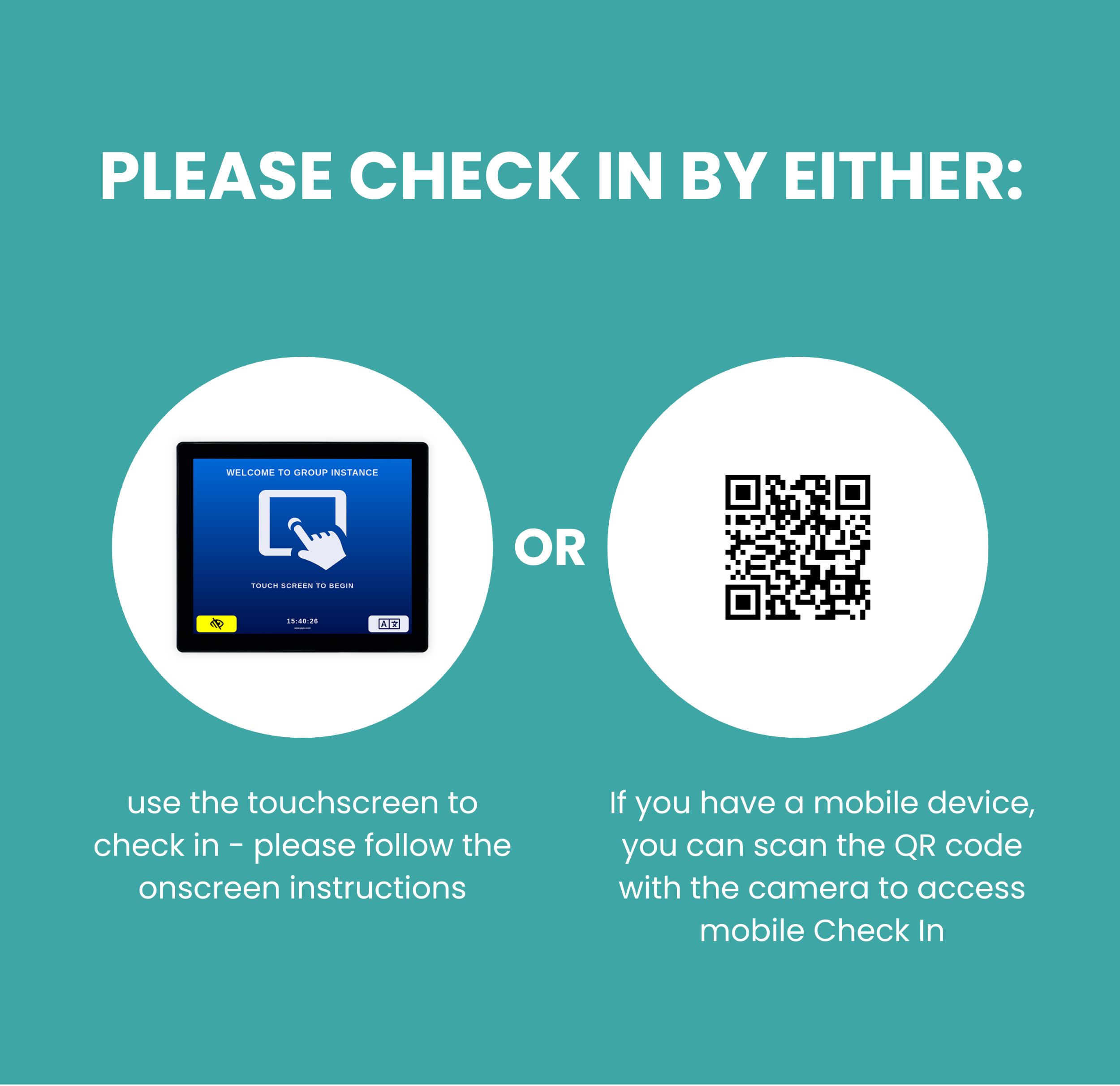
Is your practice using Mobile Check-In, allowing patients to check in for their appointments quickly and conveniently using their mobile phone?
If so, we can provide informative and eye-catching pull-up banners featuring your practice’s unique QR code and clear instructions, making it easy for patients to understand and use the service.
Position the banner in your reception or waiting area to help increase awareness and encourage more patients to take advantage of mobile check-in.
Interested in finding out more or ordering a banner for your practice?
Please get in touch — we’d be happy to help.
Manage User Access
Would you like to give other members of your practice team access to the Jayex Portal so they can help manage content and configure system settings?
You can assign different levels of access depending on each user’s role:
- Standard Access – Read Only
View portal information without making changes. - Manager – Content Management
Manage media and content, but without access to full user administration. - Admin – Full Access
Full administrator access, including user management and system configuration.
Need a little help?
We’ve created easy-to-follow training videos to guide you through logging into the Jayex Portal and creating additional users:
Giving the right members of your team access can make it easier to keep your Jayex system up to date and ensure your digital content is managed effectively.

New Media content available
This month, we’ve added a range of informative and engaging content to help keep your patients informed while they wait.
Our latest media content includes:
🎆 Firework Safety – Helpful advice to keep patients and families safe during Bonfire season and Diwali.
👶 Child Accident Prevention Trust – Important information and practical advice to help prevent accidents involving children.
💙 Urology Awareness Month – Raising awareness of urological health and encouraging patients to look after their wellbeing.
🧠 Better Health – Every Mind Matters – Supporting patients with practical advice and resources to help look after their mental wellbeing.
Looking for something specific?
If there’s a health campaign, topic or type of content you’d like to see in the Jayex media library, we’d love to hear from you! Let us know what would be useful for your practice and your patients, and we’ll do our best to help.

Make Check-In More Inclusive 🌍
Do you have a diverse and multicultural patient population?
Your Jayex touchscreen can be configured to offer multiple language options, allowing patients to check in using their preferred language. This can help make the check-in process more accessible, inclusive and comfortable for everyone, while reducing potential barriers to using technology.
How to enable additional languages
Simply navigate to:
Jayex Portal → Check In → Touchscreen Settings → Language Options → Edit
From here, you can select the language options you’d like to make available on your touchscreen.
Why not take a look at your settings today and make sure your check-in experience works for all your patients?